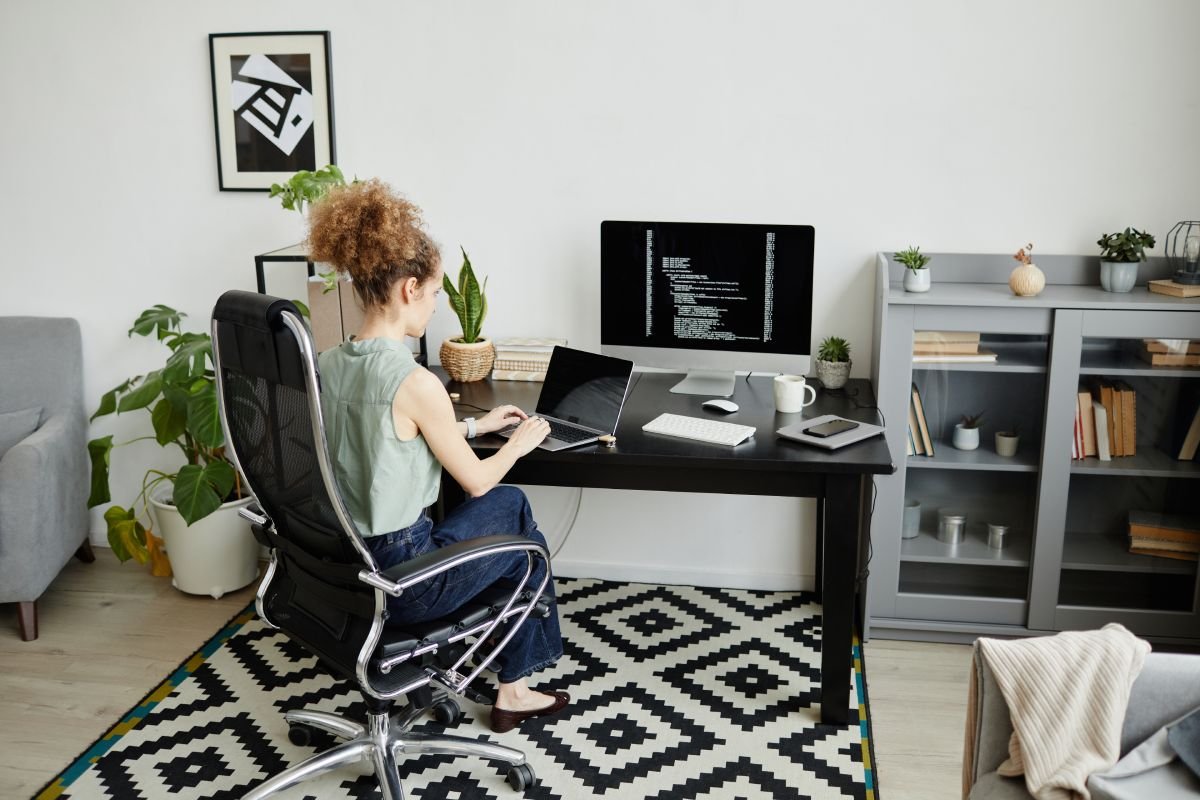
Working from home can be great for flexibility, convenience and work-life balance, but a poorly set up workspace can leave you feeling tired, distracted and physically uncomfortable. Without the right environment, it can also become difficult to separate professional responsibilities from personal time.
The good news is that you do not need a spare room, expensive furniture or a big budget to create an effective home office. A thoughtful desk setup, good lighting and a consistent daily routine can make a noticeable difference to your productivity and well-being.
Whether you work remotely full-time, run a small business or occasionally bring work home, the following tips will help you build a comfortable and practical workspace that supports your daily activities.
Choose the Right Spot
The location of your home office can have a significant impact on how well you work. Ideally, choose an area that allows you to concentrate without being constantly interrupted by household activities.
- Pick a dedicated area. Even if you only have one available corner, using the same spot for work each day helps establish a clear mental connection between that space and your professional responsibilities.
- Choose a quiet location. Position your desk away from the television, busy walkways and areas where other household members frequently gather. If you cannot avoid background activity, consider using headphones to minimise distractions.
- Make use of natural light. If possible, position your desk near a window. Placing it side-on to the window can provide daylight while reducing direct glare on your computer screen.
- Consider available space. Make sure there is enough room for your chair, computer and essential equipment. Avoid choosing a location where you constantly need to move furniture or work around household items.
If you live in a smaller home or apartment, a compact desk, wall-mounted shelves or a foldable workstation can help maximise available space. The important thing is to create an area that feels organised and comfortable rather than trying to replicate a traditional corporate office.
Set Up Your Desk Ergonomically
Spending several hours at a desk can put unnecessary pressure on your neck, shoulders, back and wrists if your workstation is not properly arranged. Good ergonomics help reduce physical strain and make it easier to maintain a comfortable working position throughout the day.
As a general guide, consider the following adjustments:
- Sit with your feet flat on the floor and your knees positioned at approximately a right angle.
- Keep your computer screen around arm’s length away, with the top of the screen at or slightly below eye level.
- Position your keyboard and mouse so your elbows remain close to your body and your wrists stay in a neutral position.
- Choose a chair with adequate back support. If necessary, use a small cushion to support the natural curve of your lower back.
- Keep frequently used items within easy reach to avoid repeatedly stretching or twisting your body.
Laptop users may need a few additional accessories. Working directly from a laptop for extended periods often encourages poor posture because the screen and keyboard are connected. A separate keyboard and mouse, combined with a laptop stand, allow you to position the screen at a more comfortable height.
If space and equipment allow, consider alternating between sitting and standing during the day. Regular movement is also important. Take short breaks to stretch, walk around or change your position rather than remaining seated for several hours without interruption.
Get the Lighting Right
Lighting is another important part of a productive home office. Poor lighting can contribute to eye strain, headaches and fatigue, particularly when you spend most of your working hours looking at a computer screen.
Natural daylight is usually the best starting point. A desk positioned near a window can create a brighter and more pleasant environment. However, avoid placing your monitor directly in front of a bright window or with strong sunlight shining onto the screen, as this can create uncomfortable glare.
A dedicated desk lamp is useful for tasks that require additional illumination, such as reading documents, writing notes or reviewing printed materials. Adjustable lamps allow you to direct light exactly where it is needed without brightening the entire room unnecessarily.
The colour temperature of your lighting also matters. Neutral or slightly cool white bulbs are often suitable for focused daytime activities, while warmer lighting can create a more relaxing atmosphere in the evening.
Try to keep the brightness of your room reasonably balanced with your monitor. A screen that is significantly brighter or darker than its surroundings can make your eyes work harder. Adjust your display settings and take regular breaks to give your eyes a rest.
Control Noise and Distractions
One of the biggest challenges of working from home is managing distractions. Household noise, social media notifications and personal devices can interrupt concentration and make even straightforward tasks take longer than necessary.
A few practical changes can help:
- Use headphones: Noise-cancelling headphones or earbuds can reduce background sounds and help you concentrate, particularly in shared living spaces.
- Communicate your working hours: Let family members or housemates know when you need uninterrupted time, especially during important meetings or deadlines.
- Manage phone notifications: Keep your smartphone out of reach or activate focus modes to reduce unnecessary interruptions.
- Organise your digital workspace: Close unused browser tabs, applications and documents so you can concentrate on the task at hand.
- Schedule communication: Rather than constantly checking messages, set specific times to respond to emails and other non-urgent requests.
Smartphones are particularly distracting because notifications and social media encourage frequent attention switching. Even a brief interruption can make it harder to return to a complex task.
If you find it difficult to stay focused, our article on how smartphones affect memory and concentration explains why phones can affect attention and what practical steps you can take to manage their impact.
Build a Routine That Works
Structure matters even more when your home is also your workplace. Without a regular schedule, it can be tempting to work irregular hours, skip breaks or continue working long after the day should have finished.
Start by establishing consistent working hours. You do not necessarily need to follow a traditional nine-to-five schedule, but having a clear starting and finishing time can make your day more predictable.
A simple morning routine can also help you transition into work mode. Get dressed, prepare your workspace, make a coffee or review your schedule before starting your first task. These small activities create a sense of structure and help signal that the working day has begun.
At the start of each morning, identify your three most important priorities. Focus on completing these tasks before spending too much time on minor administrative activities. Breaking larger projects into smaller steps can also make complicated workloads feel more manageable.
Remember to schedule proper breaks throughout the day. Take a lunch break away from your desk rather than eating while continuing to work. Short periods of rest can help maintain concentration and prevent mental fatigue.
Building consistent habits takes time. Our guide to using psychology in everyday life explores practical ways to develop routines and make positive behaviours easier to maintain. For a broader perspective on remote working, see mastering the work-from-home experience.
Keep Work and Home Separate
When your office is part of your living space, maintaining a healthy boundary between professional and personal life can be challenging. It is easy to check emails during dinner, respond to messages late at night or continue working simply because your computer is nearby.
Creating clear boundaries helps prevent work from taking over your personal time.
If possible, use a separate room or a designated corner that is reserved for professional activities. At the end of the day, close your laptop, organise your documents and put away work-related equipment. If you use a shared space, consider a desk organiser or storage cabinet that allows you to hide your workstation when it is not needed.
It is also important to establish clear communication expectations with colleagues and clients. Let them know your usual availability and avoid responding to non-urgent requests outside working hours.
A short walk after finishing work can be another useful habit. It creates a transition between professional responsibilities and personal activities, much like commuting home from a traditional workplace.
Most importantly, make time for activities that help you relax and recharge. Spending time with family, exercising, reading or enjoying a hobby can help create a healthier balance between work and everyday life.
The Bottom Line
A productive home office is not about expensive furniture or having a large room dedicated to work. It is about creating an environment that supports concentration, comfort and a healthy daily routine.
Start with the essentials: choose a suitable location, adjust your desk for better posture and make sure your lighting is comfortable. Then look at ways to minimise distractions, organise your schedule and maintain clear boundaries between working hours and personal time.
Small improvements can have a meaningful impact over time. With a little planning and consistency, you can create a home office that helps you work more efficiently while making working from home a more comfortable and enjoyable experience.